


How to make digital art prints: creation & sales guide
TL;DR:
- Proper resolution, color mode, and file preparation are essential for professional-quality prints.
- Testing print-on-demand services with sample orders ensures color accuracy and print quality.
- Niche marketing and sustainable packaging strategies improve sales and customer loyalty.
Blurry, washed-out prints are one of the most common frustrations for digital artists stepping into the print market for the first time. You spend hours perfecting a design, place an order, and the result looks nothing like your screen. The gap between a great digital file and a great physical print comes down to preparation, settings, and knowing which services to trust. This guide covers every step, from setting up your file correctly to choosing print-on-demand platforms and marketing your work, so you can produce and sell prints with confidence.
Table of Contents
- What you need to make digital art prints
- How to prepare your digital art file for printing
- Choosing and testing print-on-demand services
- Selling and promoting your digital art prints
- What most guides miss: Expert nuances and sustainable tactics
- Find inspiration and start selling at Eman’s Gallery
- Frequently asked questions
Key Takeaways
| Point | Details |
|---|---|
| Always prep at 300 DPI | Professional-looking prints require files to be set at least 300 DPI at the desired print size. |
| Convert to CMYK for accuracy | Switch to CMYK color mode before printing to ensure colors match between screen and print. |
| Test print quality first | Order sample prints from chosen POD services to check final quality before selling. |
| Market your art strategically | Use Etsy, your website, and social channels; offer limited editions to attract collectors. |
| Expert details matter | Giclée printing, sustainable packaging, and niche-focused marketing boost sales and loyalty. |
What you need to make digital art prints
Before you print a single piece, you need the right tools and an understanding of what makes prints look sharp and professional. Skipping this stage is the most common reason artists end up with disappointing results.
Resolution is the foundation. The standard for quality prints is 300 DPI at your intended print size, with 600 DPI recommended for larger or highly detailed works. DPI stands for dots per inch. It controls how much detail a printer can reproduce. A 300 DPI file at 8x10 inches will print sharply at that size. Scaling it up without increasing the pixel dimensions will cause blurring.
Software options for creating print-ready art:
- Adobe Photoshop: Industry standard for raster artwork, best for photo-based or painterly pieces
- Adobe Illustrator: Ideal for vector artwork that scales without quality loss
- Canva: Beginner-friendly with some print export options, limited DPI control
- Krita: Free and powerful for digital painting, with strong printing digital artwork essentials built in
Color mode matters more than most artists realize. Use CMYK color mode when sending files to a professional printer. Use sRGB when uploading to print-on-demand (POD) platforms. These two modes handle color differently. CMYK works with ink on paper (subtractive color). sRGB works with light on screens (additive color). Sending the wrong mode to a printer causes unexpected color shifts.
Paper and substrate options:
| Paper type | Best for | Finish |
|---|---|---|
| Fine art / cotton rag | Gallery and collector prints | Matte, textured |
| Glossy photo paper | Vivid, color-rich images | High shine |
| Matte coated paper | Everyday prints, affordable | Flat, no glare |
| Canvas | Large wall art | Textured, gallery wrap |
For preserving art print quality long-term, fine art paper with archival inks is the best choice. These papers resist fading and yellowing for decades.
Pro Tip: Always order a physical sample before fulfilling customer orders. What looks perfect on screen can appear darker, flatter, or off-color once printed. A sample order costs little and saves you from reprinting an entire batch.
How to prepare your digital art file for printing
With tools and materials in place, your next priority is prepping a digital file that prints perfectly. This step separates artists who get consistent results from those who keep guessing.
Step-by-step file preparation:
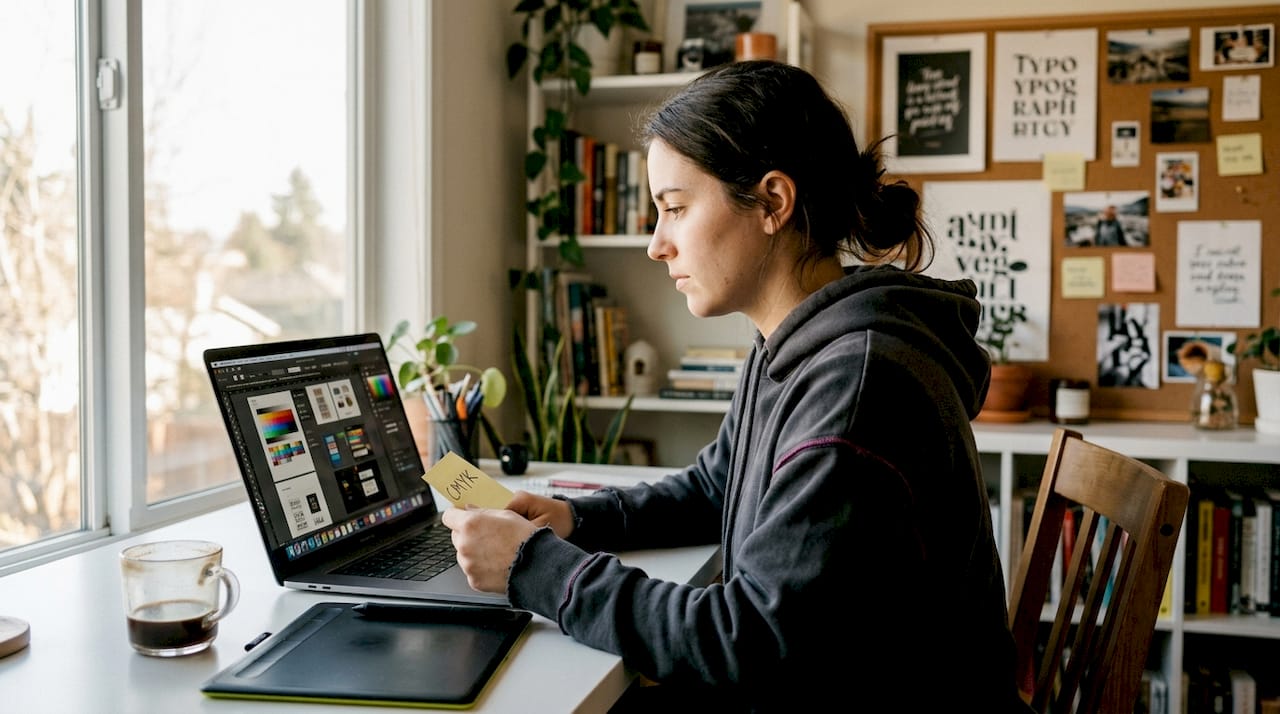
- Set your canvas size correctly from the start. Open a new document at your final print dimensions and 300 DPI minimum. Resizing a small file upward destroys quality.
- Work in the right color mode. Start in RGB for flexibility while designing. For professional printers, convert to CMYK before export and use soft proofing to preview how colors will shift on paper.
- Use soft proofing. In Photoshop, go to View > Proof Setup > Custom and select your printer’s color profile. This shows you how the printed version will look before you commit.
- Flatten layers for raster files. Merged layers reduce file size and remove transparency issues that can cause unexpected gaps or color errors at print.
- Keep vector files scalable. If your artwork is vector-based (Illustrator, for example), keep it in vector format as long as possible. Vectors scale to any size without quality loss.
- Export in the right format. Save as TIFF or PDF for lossless, professional-grade output. Use PNG or high-quality JPEG only for web use or POD platforms that require compressed formats.
For a detailed breakdown of each stage, the art print preparation steps at Eman’s Gallery cover methods used by professional print studios.
“Use CMYK color mode for print preparation to match printer inks; convert from RGB with soft proofing to preview shifts.” This is standard practice in professional print workflows and applies whether you are printing at home or through a lab.
Managing your files consistently over time is also important. A structured art print maintenance workflow helps you keep source files, export files, and order records organized as your catalog grows.
Pro Tip: After converting from RGB to CMYK, check your blues and purples first. These colors shift the most during conversion and often appear duller in print if not corrected manually.
Choosing and testing print-on-demand services
After your file is ready, the next step is printing. Here is how to pick the best service and avoid costly mistakes.
POD platforms let you upload a design, and they handle printing, packing, and shipping when a customer orders. The POD market is growing rapidly, with a projected CAGR of 25 to 26 percent through 2030. Choosing the right platform affects your profit margins, print quality, and customer experience.
POD platform comparison:
| Platform | Print quality | Profit margin | Best for |
|---|---|---|---|
| Printful | Consistent, high quality | 65 to 70% | Beginners and scaling brands |
| Printify | Variable by print partner | Depends on supplier | Budget-conscious sellers |
| Fine Art America | Fine art focused | 70 to 75% | Gallery-style print artists |
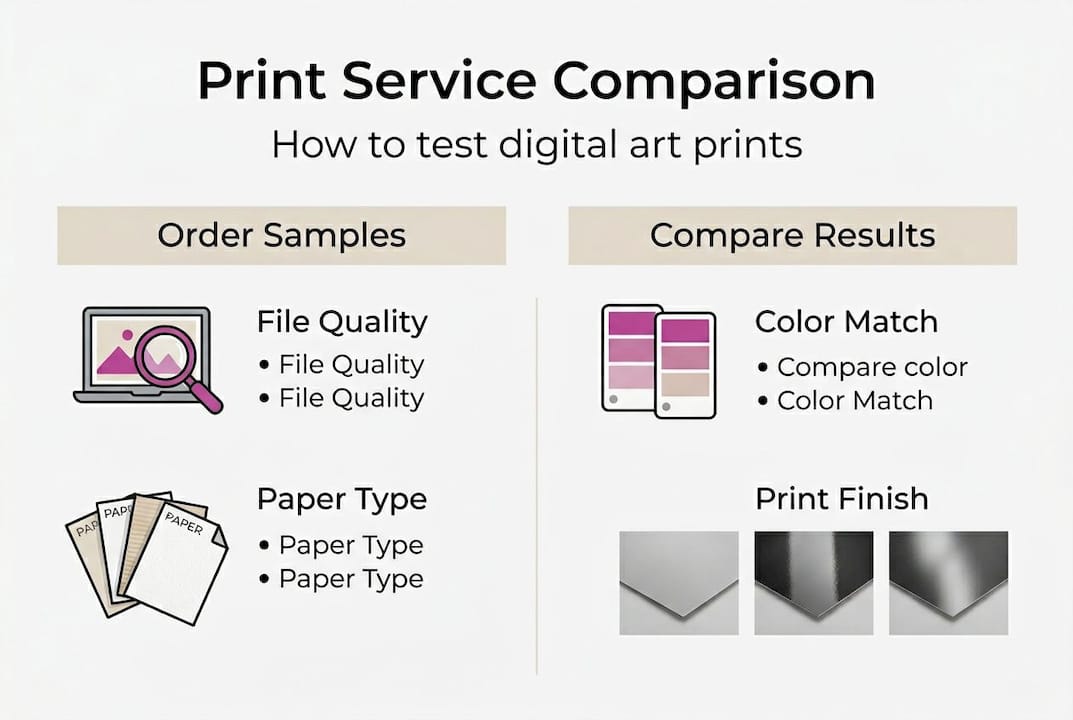
How to test any POD service before selling:
- Upload your highest-detail artwork file
- Order one print at your most popular size
- Check colors against your screen under natural light
- Inspect edges, paper texture, and any framing or mounting
- Compare shipping time and packaging quality
For context on how digital art prints fit into premium home settings, seeing finished examples helps you set realistic expectations for your own output quality.
The recommended POD platforms for artists each have strengths and weaknesses. Printful offers the most consistent results but at higher base costs. Printify gives you access to multiple print partners, which means you can switch if quality drops. Fine Art America has strong SEO and a built-in collector audience, which benefits new artists who do not yet have their own following.
One often-overlooked tactic: order prints from two or three services using the same file. Side-by-side comparison reveals differences in color accuracy, paper feel, and sharpness that descriptions alone cannot communicate.
Selling and promoting your digital art prints
Once you have verified your print quality, it is time to launch and promote your art. These tactics are practical, direct, and proven across a range of artist businesses.
Marketplace options:
- Etsy: Large built-in audience, good for discovery, competitive
- Your own website: Full control over branding and margins, requires traffic building
- Instagram and Pinterest: Strong for visual discovery, best paired with a direct sales link
Steps to set up POD integration for automated sales:
- Connect your POD platform (Printful, Printify, etc.) to your Etsy or Shopify store
- Upload your approved, sample-tested files
- Set pricing based on base cost plus your target margin
- Write accurate product descriptions with size, paper type, and color notes
- Add clear lifestyle mockup images showing prints in room settings
Limited editions increase perceived value and urgency. Numbering a print run, for example 1 of 50, signals scarcity. Limited edition print strategies can significantly increase revenue per piece without additional production cost. Understanding how to value art prints correctly ensures you are not underselling your work.
For promotion, selling digital art prints effectively means using email lists alongside social media. Email gives you direct contact with buyers who have already shown interest. Social media algorithms change constantly. Your mailing list does not.
Pro Tip: Build your mailing list from day one. Offer a free desktop wallpaper or mini print file as a signup incentive. Even a small list of 200 engaged subscribers outperforms thousands of passive social media followers when it comes to actual sales.
For practical Etsy POD integration guidance, keyword research and listing optimization are as important as print quality when it comes to being found by buyers.
What most guides miss: Expert nuances and sustainable tactics
The basics covered above will get you started. But experienced print artists use a layer of strategy that most beginner guides skip entirely.
Giclée printing is the professional standard for gallery-quality output. These prints use archival pigment inks on fine art paper or canvas, delivering color depth and accuracy that standard inkjet prints cannot match. For collectors and premium buyers, Giclée quality is a significant factor in purchase decisions.
A hybrid model combining POD for standard sizes with direct-to-lab printing for large or premium pieces gives you the best of both worlds. POD handles volume and automation. Direct printing gives you control over quality at the high end.
Sustainable packaging is worth investing in. Buyers notice when packaging is recyclable or plastic-free, and it reduces damage rates too. Lower damage rates mean fewer reprints and complaints.
Finally, niche-focused promotion consistently outperforms broad marketing. An artist known for bold abstract seascapes builds a more loyal and targeted audience than one posting every style. Understanding why artists make prints and what drives collector behavior helps you position your work more effectively from the start.
Find inspiration and start selling at Eman’s Gallery
Ready to put these steps into practice? Eman’s Gallery offers a strong reference point for what professional-quality digital and original art looks like when done right.
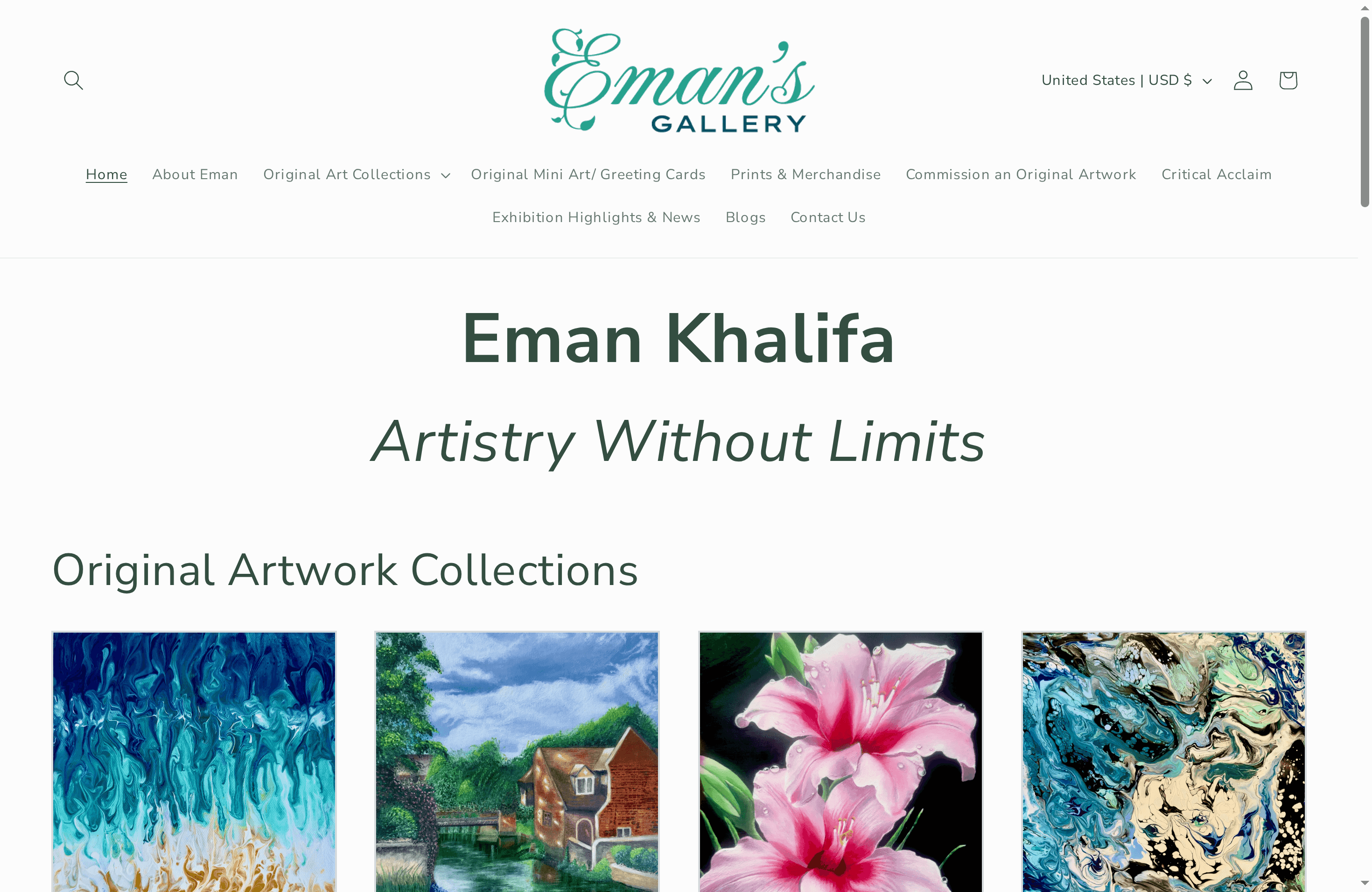
Browse canvas prints to see how finished artwork translates from screen to print at gallery standard. Explore the full wall art prints selection for a range of styles, sizes, and finishes. For original work, the original ocean artwork by Eman Khalifa shows the depth and detail that sets original paintings apart. Eman’s Gallery ships worldwide and serves collectors, interior designers, and art buyers across the UK, USA, Canada, UAE, and beyond.
Frequently asked questions
What resolution should I use for high-quality prints?
Aim for 300 DPI at print size as the standard, or 600 DPI for larger or highly detailed works to ensure maximum sharpness.
Should I use CMYK or RGB color mode for printing digital art?
Use CMYK for professional printers to match ink output accurately, and use soft proofing to preview and correct any color shifts before export.
What file format is best for printing digital art?
TIFF or PDF are the top choices for lossless print quality, while PNG or high-quality JPEG are acceptable for web uploads and POD platforms.
How do I sell digital art prints online?
List on Etsy or your own site with POD platform integration, promote via email and social media, and use limited edition numbering to increase perceived value.
Why is ordering print samples important?
Samples let you verify color accuracy, paper texture, and overall quality before selling to customers, preventing costly errors and negative reviews.
Recommended
- Why Artists Make Prints: Complete Expert Guide - Eman’s Gallery
- How Art Prints Are Made: Methods and Steps Explained
- How to get prints made of your artwork in 2026
- Digital Art Prints: Elevating Luxury Home Design
Stay Connected
- Explore Eman's Gallery Original Mini-Art Cards, hand-painted by Eman Khalifa
- ✨ Explore Eman Khalifa’s original art, fine art prints & art merchandise
- 📸 Follow Eman Khalifa’s art journey on: Instagram @emans_gallery and Facebook Eman’s Gallery
- 📹 Watch Eman Khalifa creating live art on: YouTube @emans_gallery
